
Channel list over the picture
Press OK while you watch. The list slides in and the stream keeps playing.
Only a media player. YourPlayer does not sell, provide or host any channels, playlists, films or TV subscriptions. You add your own playlist from a provider you are allowed to use.
Media player · 7 days free
A fast, remote-first player for Samsung Smart TV, Android TV, Fire TV, phones and Windows PCs. Live TV with a guide, films, series and catch-up, from your own M3U or Xtream Codes playlist.
New here? Get the app and watch free for 7 days. No card, no subscription.
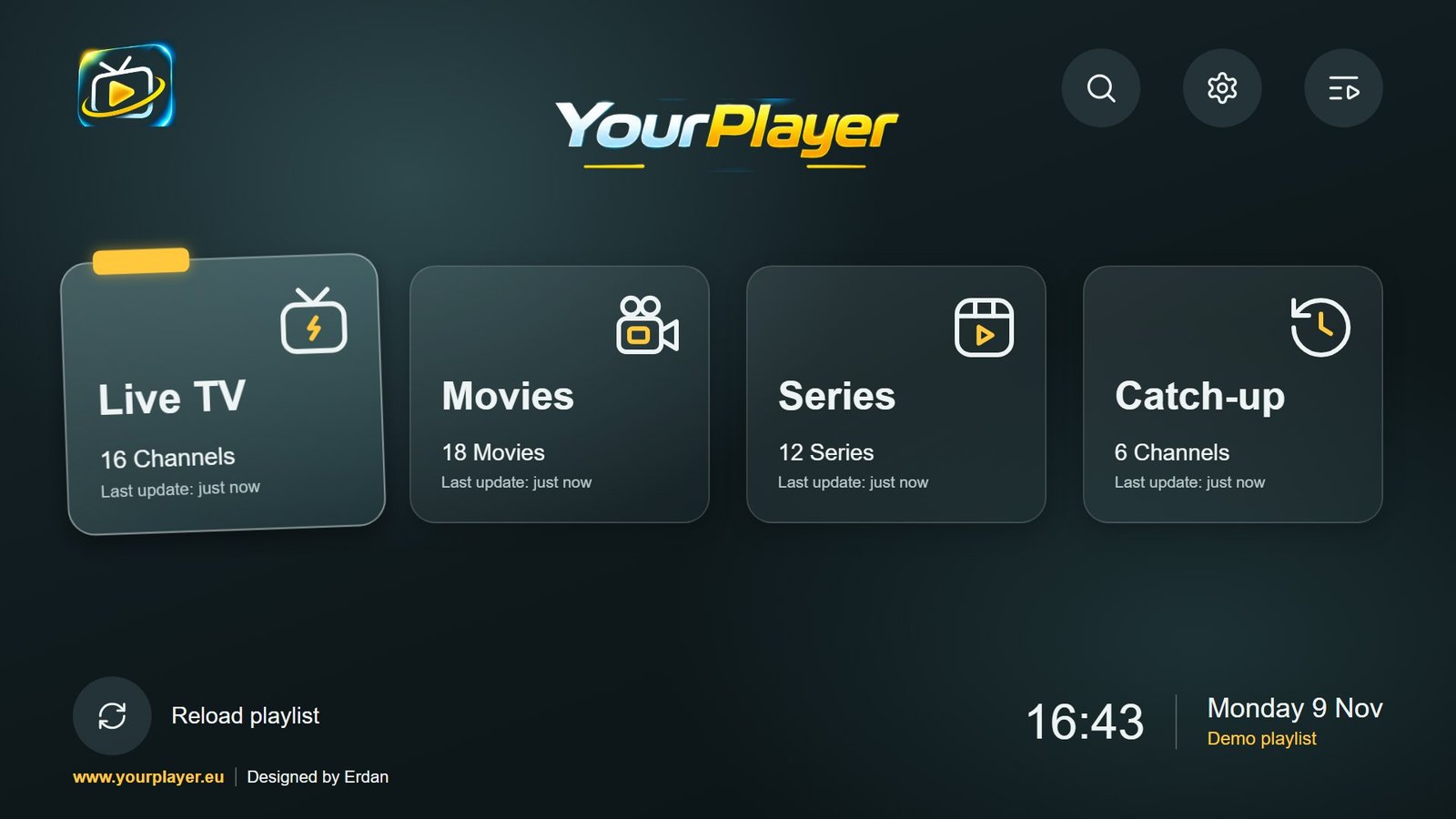
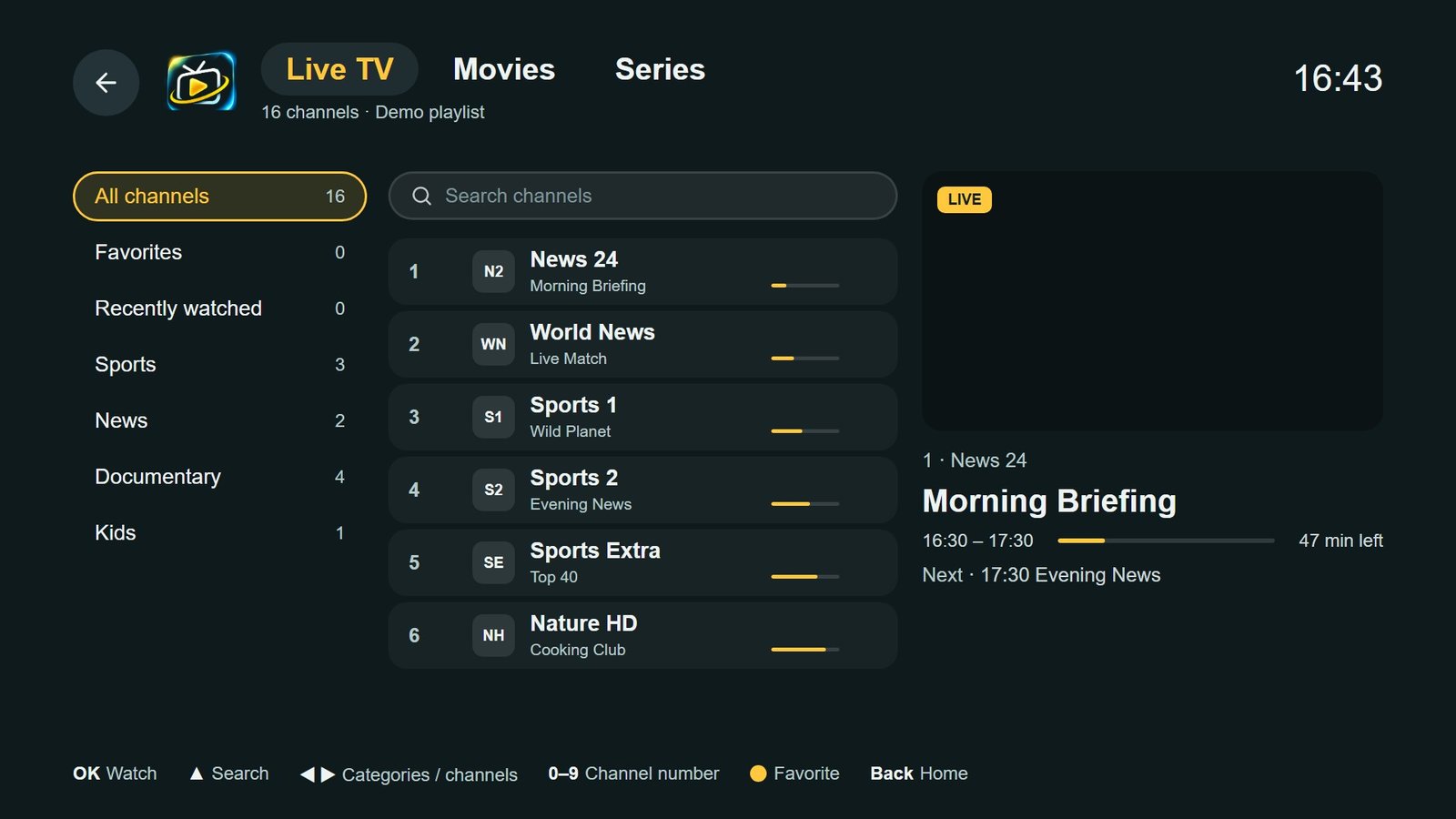
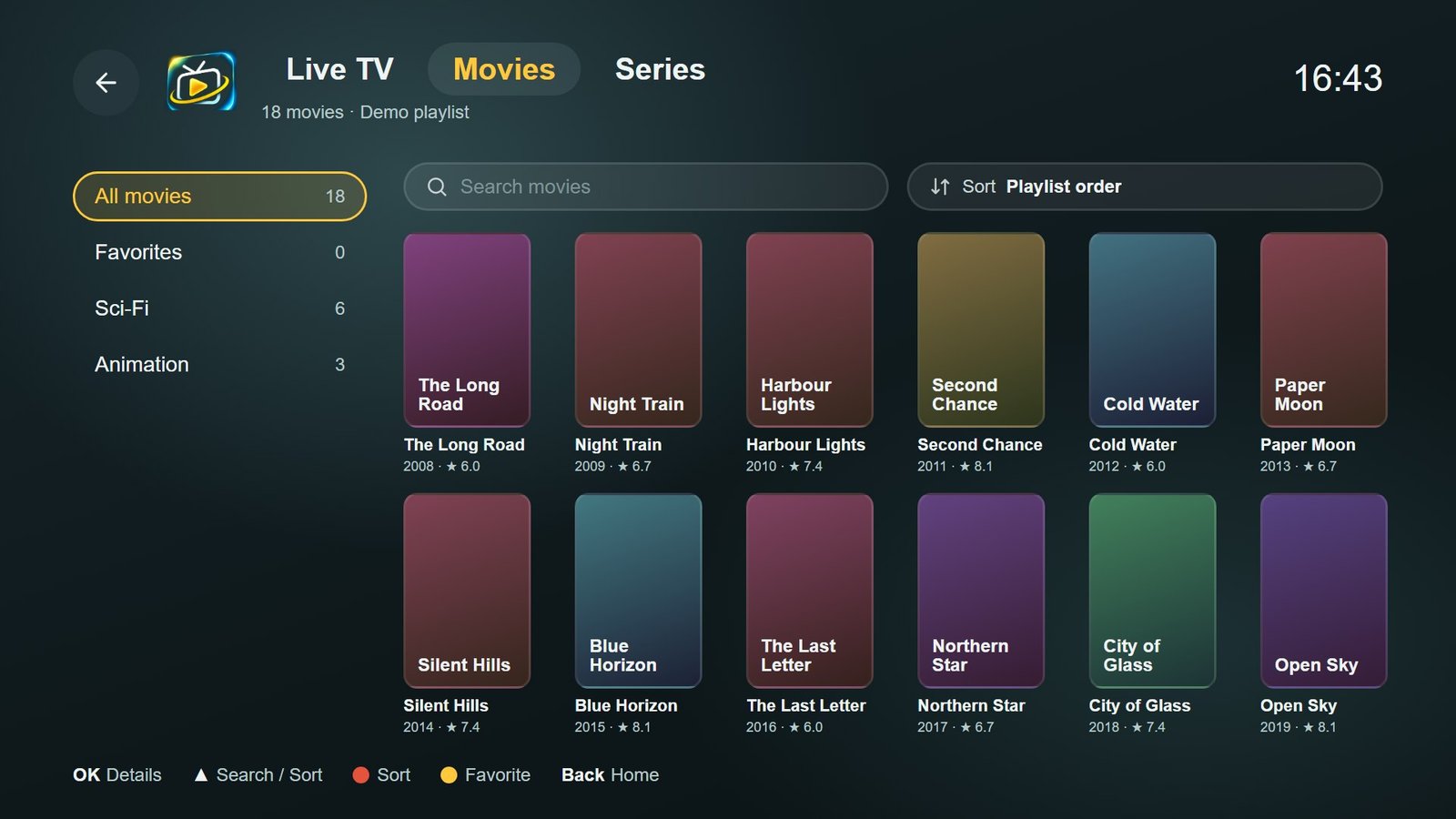
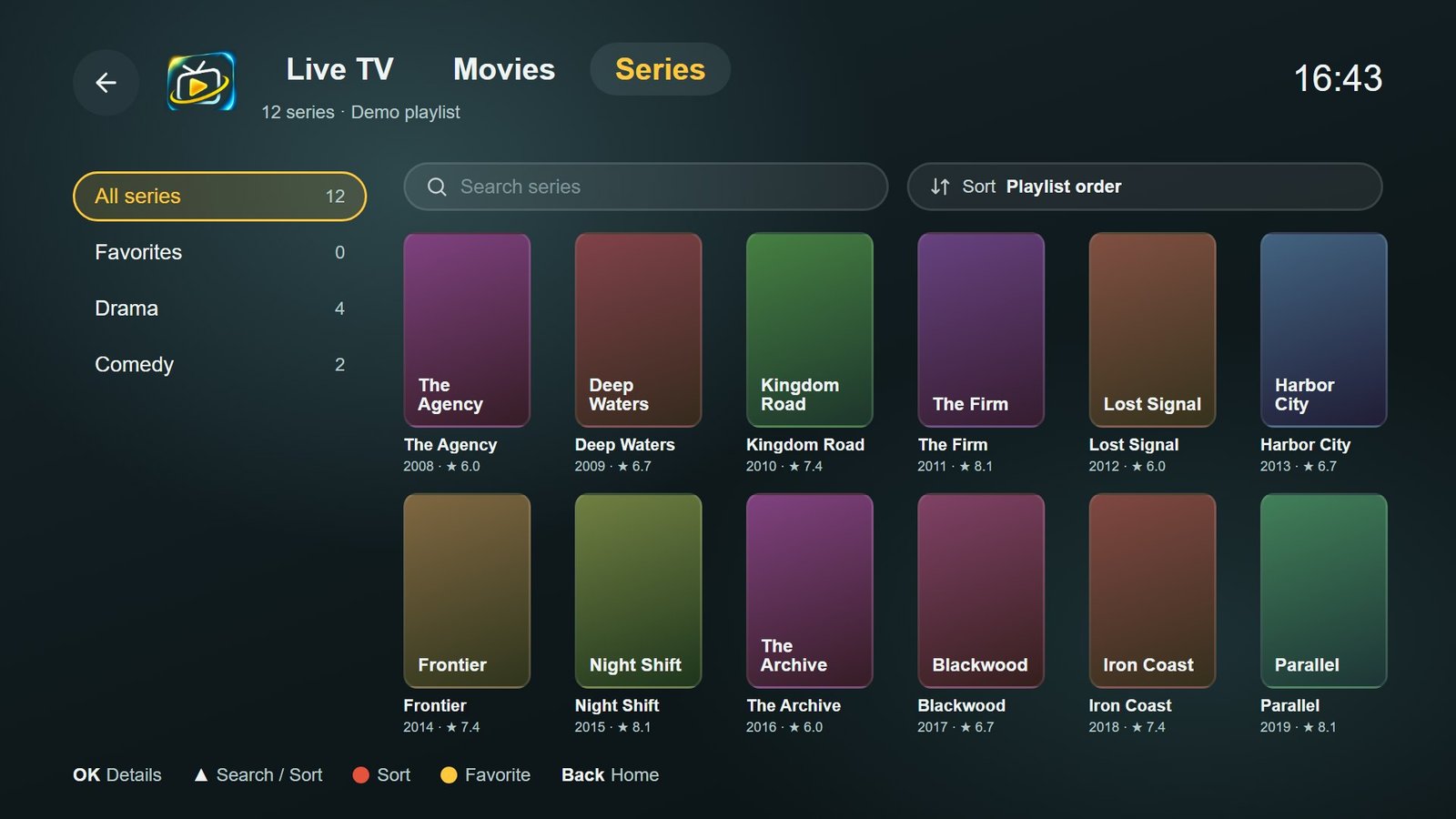
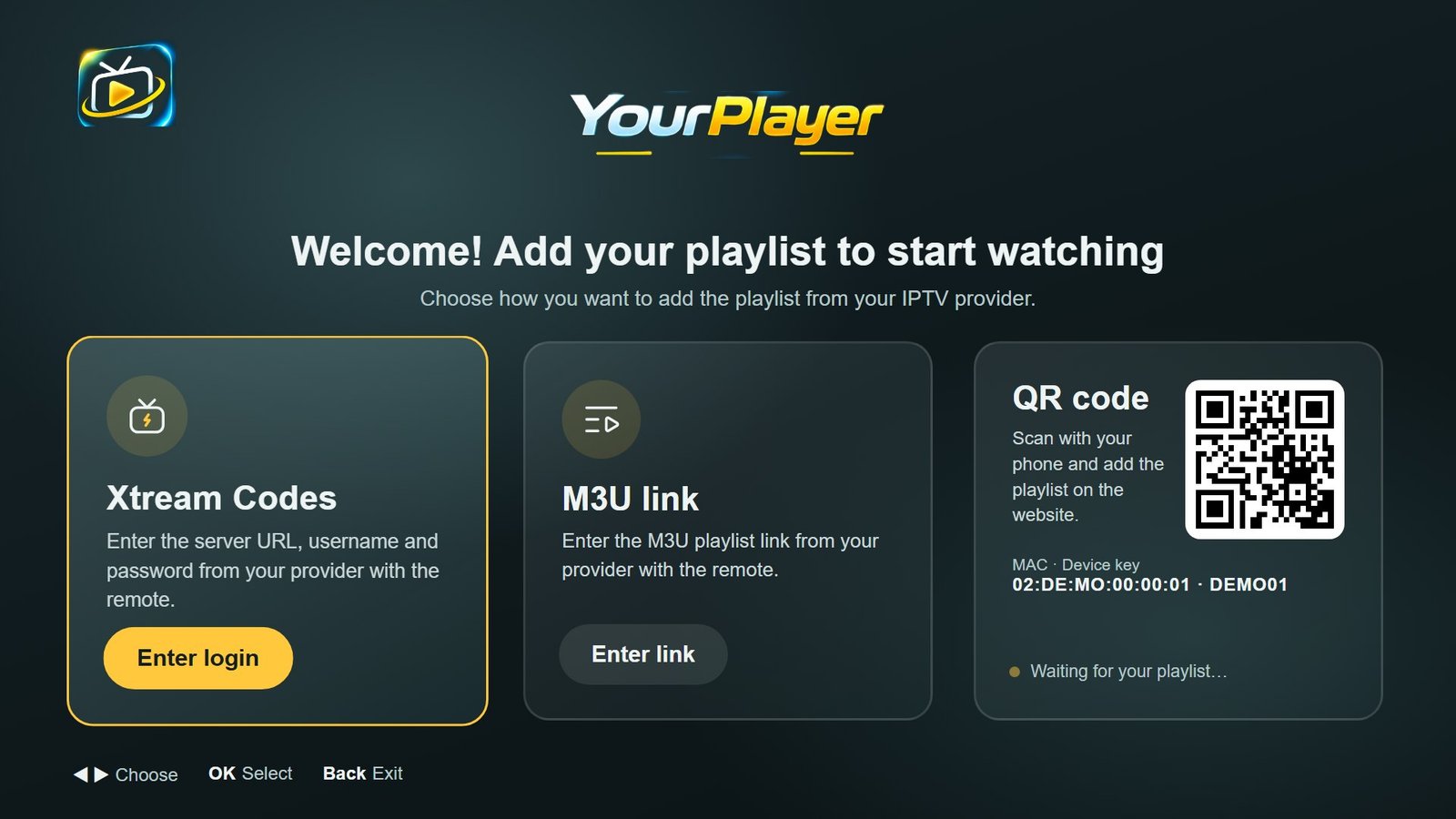
Try the remote. These are real screens from the app.
01 — How it works
Get YourPlayer on your TV, box or phone. Your 7-day trial starts the moment you open it.
Type it with the remote, or scan the QR code and add it from your phone. It lands on the TV in seconds.
Live TV with a guide, films, series and catch-up. Like it? Buy a license for that device. Once.
02 — Built for the remote
No menus inside menus. The player follows the remote you already hold.
Press OK while you watch. The list slides in and the stream keeps playing.
Mark any channel, film or series with the yellow button. Find them all in one list.
Original, 16:9, fill or zoom. Switch subtitles and audio tracks without leaving the stream.
Channel up and down, search per category, and a guide that shows what is on now and next.
Voices running ahead of the picture? One press on the green button corrects it.
Scan the code on the TV and add your playlist from your phone. Frozen stream? It restarts by itself.
03 — Download
Free to install. Every device starts with 7 days of every feature.
Open Apps on your TV, search for YourPlayer and install it. Works on Samsung TVs from 2015 and newer.
Coming soon to the Samsung TV app store. Samsung is reviewing it now.
Install it from Google Play on your TV, box, phone or tablet. Updates arrive by themselves.
Get it on Google PlayBox without Google Play (Strong Leap, UNA+)? Download the APK and open it from a USB stick.
For Windows 10 and 11 (64-bit). Download the installer, open it and follow the steps. Then start YourPlayer from your desktop.
Download for WindowsWindows may say “Windows protected your PC”. Click More info, then Run anyway. About 160 MB.
04 — Pricing
7 days with every feature. Starts when you first open the app. No card needed.
Get the appTwelve months on one device. No automatic renewal.
Buy for my deviceOne payment. Use it on this device for as long as it runs.
Buy for my devicePrices in EUR. One license per device (MAC address). Pay securely by card, Apple Pay, Google Pay, iDEAL | Wero or Bancontact. 14-day money-back guarantee.
05 — Your playlist
Scan the QR code on your TV, or log in at the top of this page with your MAC address and device key. Then add the details you got from your provider. They appear on the TV within seconds.
Recommended: faster loading, and the guide and catch-up work best.
Use m3u_plus to get channel logos and groups.
Log in to your device to add a playlist, see your license or activate the player.
Log in to my device06 — Questions
No. It is a player only. You need a playlist (Xtream Codes or M3U) from your own provider.
Open the app on your TV. They are under Settings → Account, on the Add playlist screen, and on the trial-ended screen.
The app shows a QR code. Scan it, choose 1 year or Lifetime and pay. The app unlocks within a minute and your playlists stay saved.
No, one license is for one device (one MAC address). For a second TV you need a second license.
Check that your playlist works and has not expired, and that your internet is stable. In Settings → Player you can try another stream format (TS or HLS).
The guide comes from your provider. With Xtream Codes it loads by itself. With M3U, the link must include a guide address (url-tvg).
Email us at info@yourplayer.eu with the old and the new MAC address.